The Stitch workflow
From a folder of clips to a film.
The sequence is simple to understand: choose the material, create a draft, make your decisions, then check the export. Each stage has a different job.
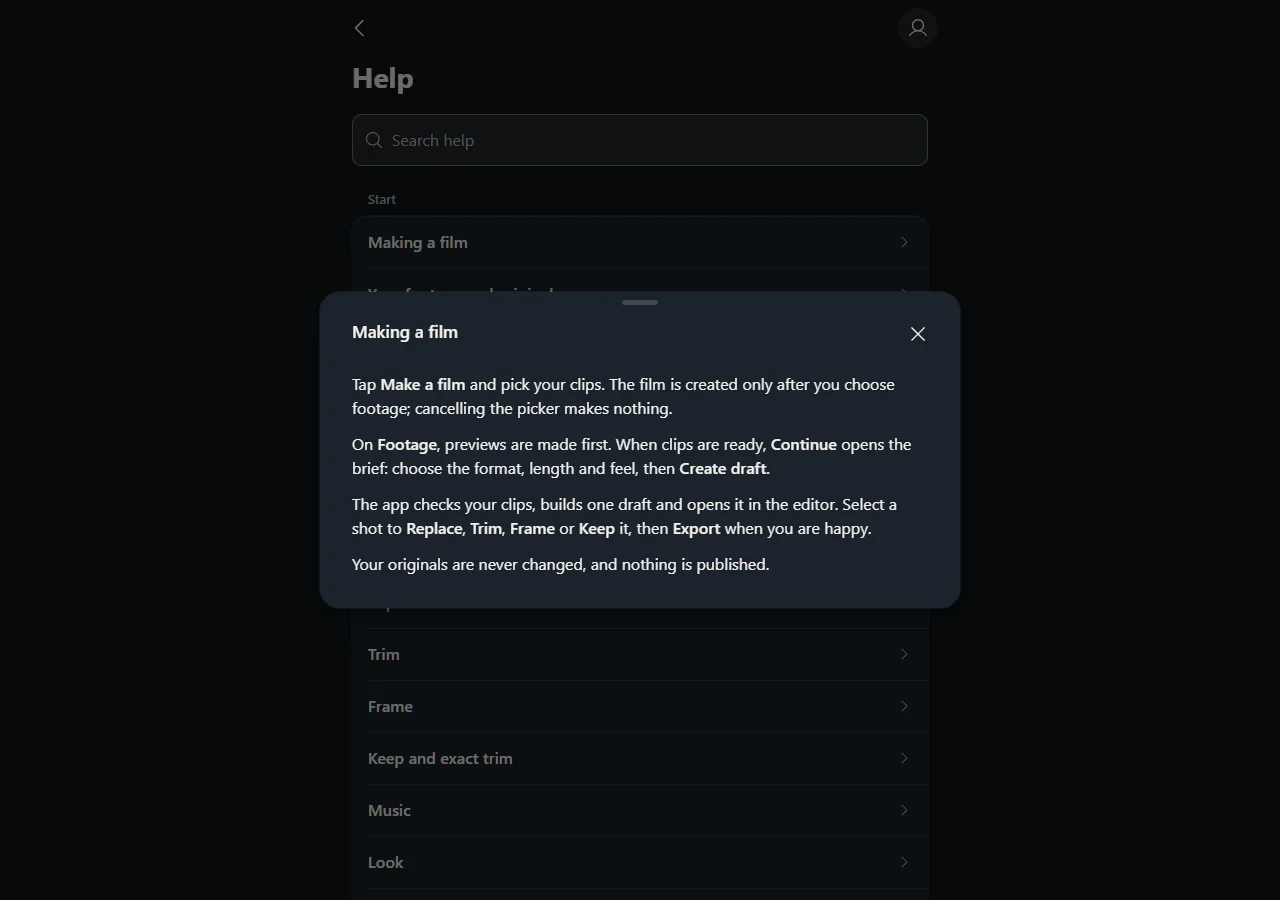
1. Start with footage you want to use
Keep a backup of the original files. Choose recordings you have the right to edit and share, and check that they can play locally before uploading. A file still downloading from a photo service is not necessarily ready to transfer elsewhere.
You do not need a finished edit before starting, but it helps to know the purpose. A quick vertical recap and a wide scenic sequence ask different things of the same clips.
2. Give the draft a direction
Choose the supported output ratio, approximate duration and pacing feel. Consider whether the subject needs a wide frame, whether a short action deserves room to finish and whether the final edit needs an opening or closing title.
An automatic draft is a proposal. It may choose a view you would replace or leave a moment longer than you prefer. That is why reviewing and correcting the sequence remains part of the workflow.
3. Fix the choices that change the result
Start with selection and order. Replace a repetitive shot before polishing its transition. Trim setup movement before increasing effects. Check the frame during the entire shot, not only at the starting image.
Use Keep moment when a meaningful section needs to survive another edit. A technically imperfect smile or small interaction can matter more than another pristine view of the horizon.
4. Check what you actually export
Watch the first seconds, the ending, every crop and any text after the MP4 has been produced. Check sound on a normal playback device. Do not assume the preview and an uploaded social-platform version will look identical.
The current app may still use the Drone Video Editor name while the Stitch launch is prepared. The browser link on this site deliberately uses the existing verified application origin rather than an untested replacement.